 Lattice Suite
Free template
Free Project Tracker Spreadsheet Template
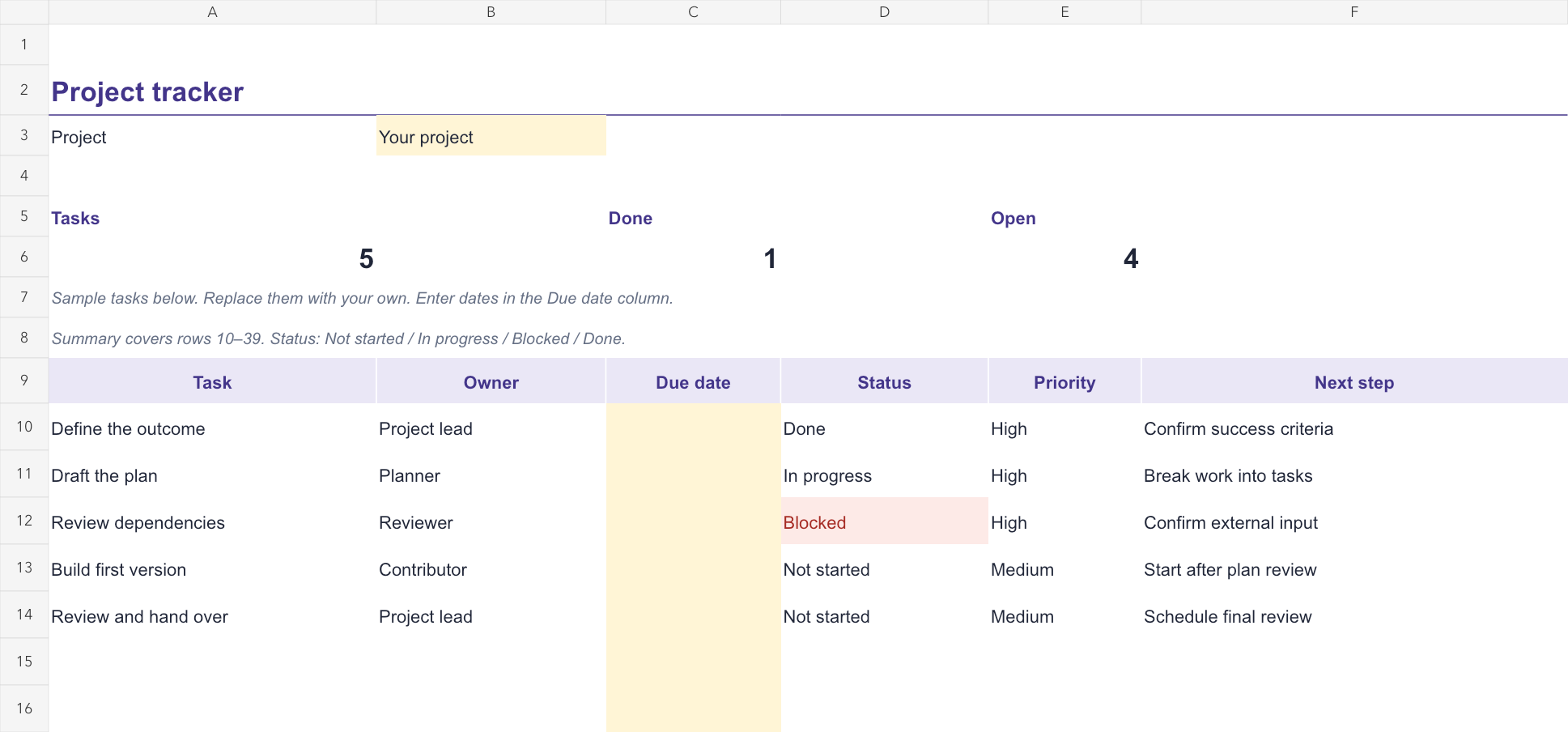
Track tasks, owners, dates and next steps, with automatic counts of tasks, completed work and open work.
No account is needed to download the file. Sign in to Lattice to import it and save your own copy.
Use it in Lattice Sheets
- Download the XLSX file above.
- Sign in to Lattice Sheets and create a new blank spreadsheet.
- Choose File → Import CSV or XLSX… and select the downloaded file. Import adds a worksheet beside the current one.
- Select the imported Project tracker sheet, replace the examples and give the spreadsheet your own name.
Make the tracker yours
Replace the five sample tasks with your own. Assign an owner, enter a due date, choose a priority and record the next step for each task.
Use the status labels Not started, In progress, Blocked and Done. The summary counts named tasks in rows 10–39 and marks a named task complete when its status is Done. If you add tasks below row 39, extend the summary formulas.
Review the owner and next step whenever work is blocked. The sample dates are blank so you can set deadlines that fit your project.
Template preview
Example content is included so you can see how the template works.
More starter templates
Browse all free templates or create a free Lattice account. Replace example entries before using a template for real work, and review the imported content.